Amazon Barcode Requirements 2026: The Complete Guide
Amazon's barcode rules changed again in 2026, and a lot of sellers are shipping inventory with the wrong setup without realizing it until a shipment gets held at receiving. Here's what's actually required right now.
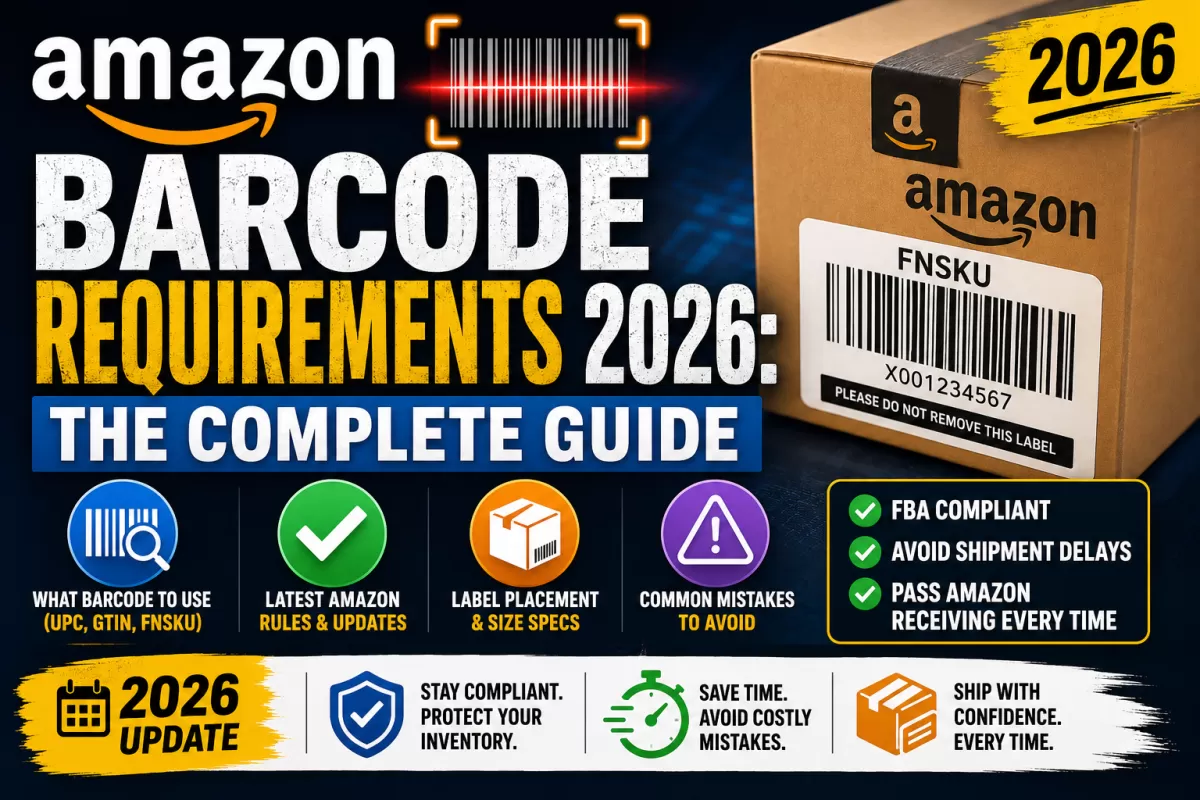
Amazon's barcode rules changed again in 2026, and a lot of sellers are shipping inventory with the wrong setup without realizing it until a shipment gets held at receiving. Here's what's actually required right now.
The Barcode Types Amazon Recognizes
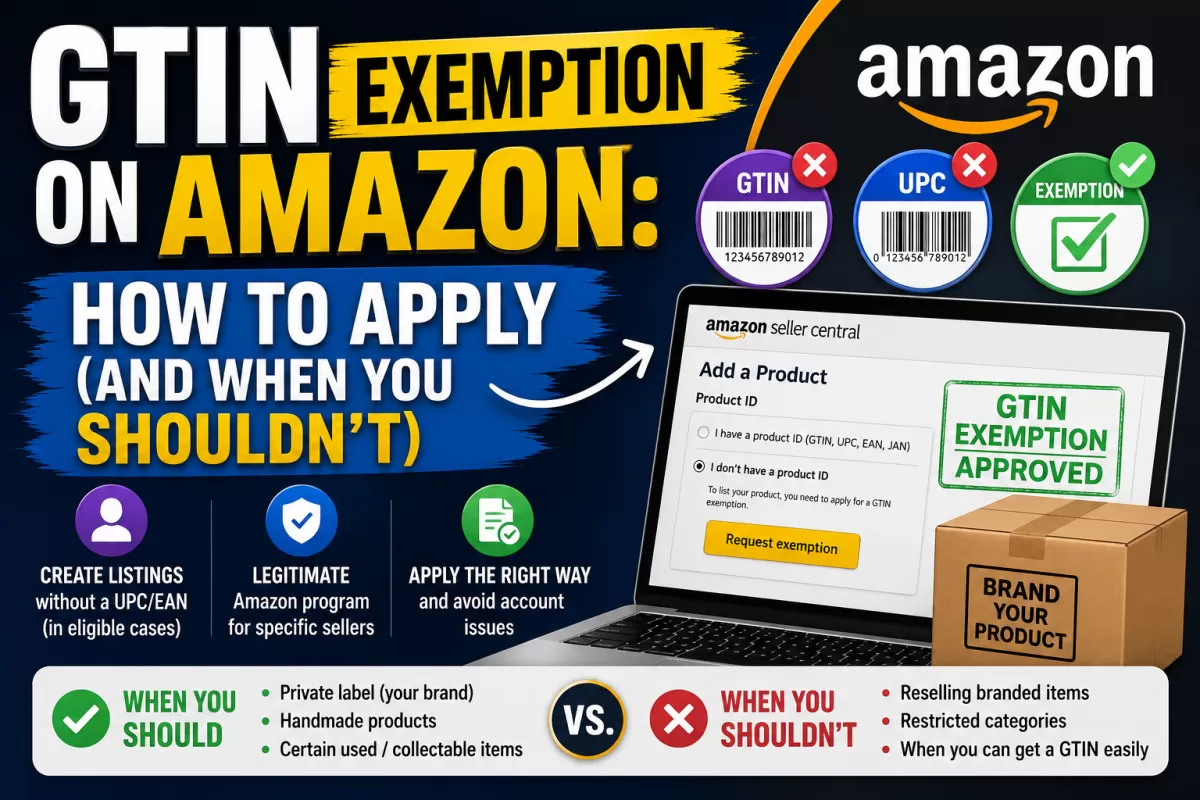
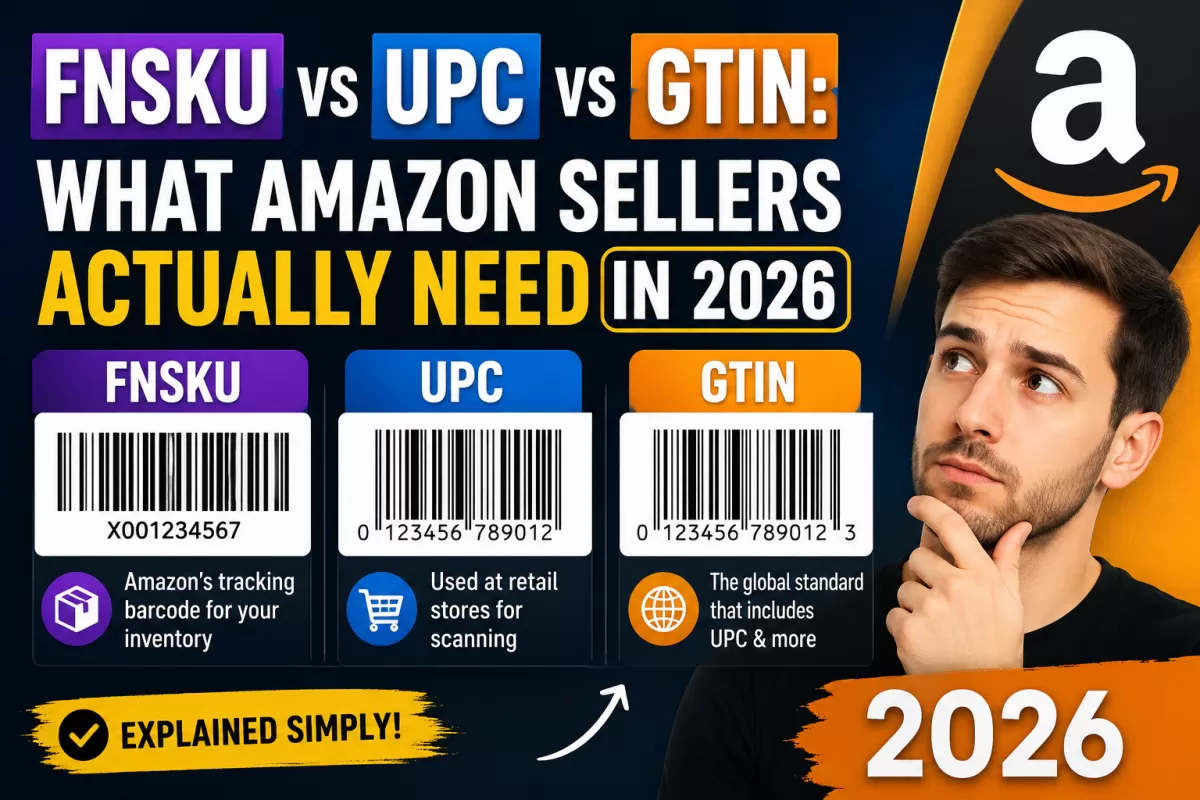
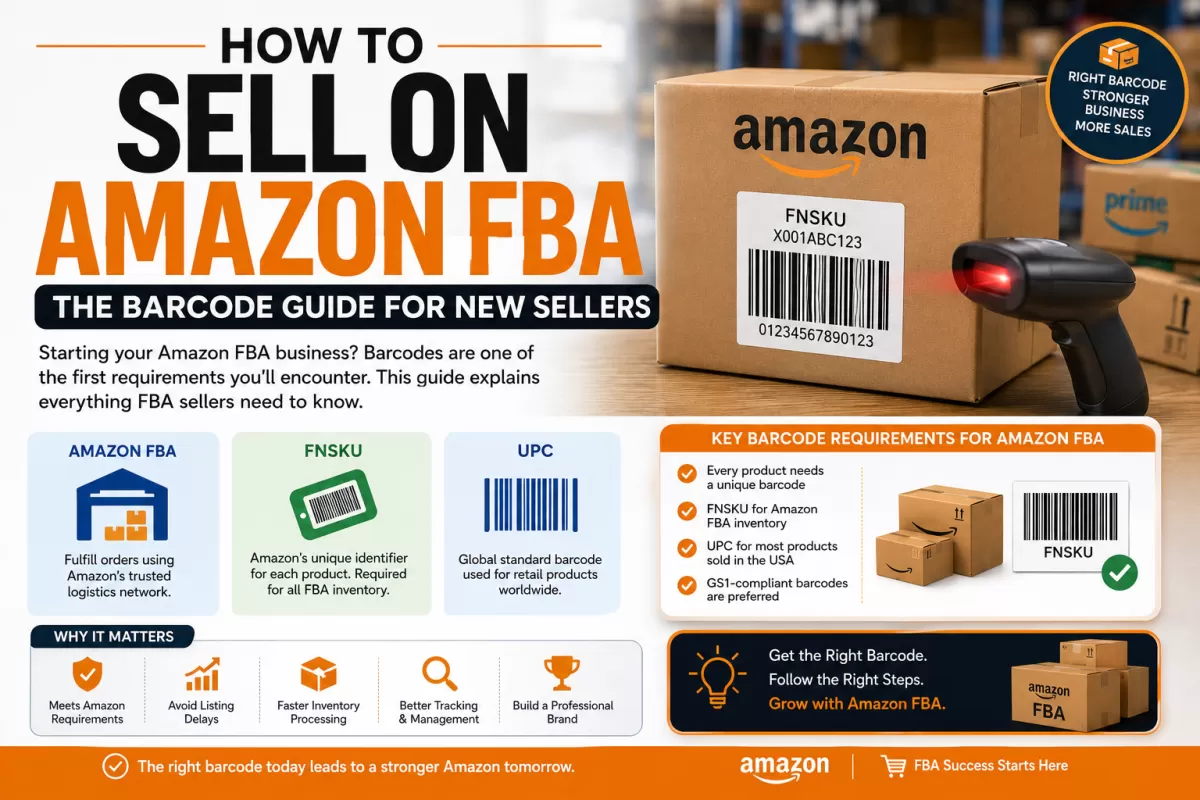
- UPC / EAN (GTIN): the manufacturer-level product identifier, required to create most new listings.
- ASIN: Amazon's own internal catalog number, generated automatically once a listing exists — you never buy or print this yourself.
- FNSKU: Amazon's warehouse-tracking barcode, applied to physical units shipped to FBA so Amazon can attribute inventory to the correct seller.
What Changed on March 31, 2026
Amazon tightened its rules around who can rely on manufacturer barcodes (UPC/EAN) alone for FBA inventory, versus who must apply Amazon (FNSKU) labels. Brand owners in Brand Registry retain more flexibility on eligible listings; resellers and sellers outside Brand Registry are now expected to use FNSKU labeling as the default for FBA shipments in most categories. If your prep process hasn't been updated since before this change, it's worth reviewing your current barcode setting in Seller Central before your next shipment.
Barcode Label Size & Placement Rules
- Label size generally between 1"×2" and 2"×3", printed clearly in black on white with a non-reflective finish.
- Only one scannable barcode should be visible per unit — if you're applying an FNSKU over an existing UPC, make sure the UPC is fully covered so scanners don't read the wrong code.
- Labels need a removable adhesive that won't damage packaging on removal, per Amazon's packaging guidelines.
- Placement should avoid seams, curves, or areas that get covered by poly bags or other required labels.
Common Mistakes That Cause Receiving Delays
- Shipping "mixed method" cases — some units with a visible UPC, others with FNSKU, inconsistently within the same shipment.
- Reusing one UPC across multiple product variants instead of buying a unique code per variant.
- Applying an FNSKU label that doesn't fully cover the original manufacturer barcode, causing scan conflicts at the fulfillment center.
- Buying barcodes from unverified, non-GS1 sources that fail Amazon's catalog verification.
Frequently Asked Questions
Do I need a UPC for every single product I list?
In most categories, yes, unless the listing already exists on Amazon (in which case you match to it) or your product qualifies for a GTIN exemption.
Are GS1-certified barcodes required, or can I use any UPC?
Amazon verifies UPC/EAN prefixes against the GS1 database. Codes from unofficial or unverified sources can fail this check and get a listing flagged or suppressed.
Does this policy affect sellers using Fulfilled by Merchant (FBM)?
The FNSKU requirement specifically applies to FBA inventory inside Amazon's warehouses. FBM sellers shipping directly to customers still need a valid UPC/EAN to create the listing but don't apply FNSKU labels.
Where do I check which barcode setting my listing currently uses?
In Seller Central, go to Manage Inventory, open the listing, and check the Fulfillment tab for your current barcode/labeling setting.
Ready to get your barcode? Buy GS1-certified barcodes here →